Recipe management software for a working kitchen
Keep ingredients, quantities, methods, yield, declared allergens and presentation in one recipe sheet. Miselup connects recipes with costing and lets you duplicate variants and share instructions without exposing financial details to everyone.
- Duplicate six record types
- Share recipes with Kitchen and Finance permissions
- 214 intermediate and 68 final built-in recipes · ES/EN

A sheet for cooking, costing for financial decisions
A spec sheet describes what to prepare, quantities, method and presentation. Recipe costing calculates cost from composition, prices and yield loss. They work together but answer different questions: the team needs to reproduce the preparation; management needs to review its margin.
This page focuses on organizing and sharing recipes. For recipe costing software, cost per serving and business-specific examples, use the recipe costing hub. The blog keeps the educational spec-sheet guide and template for getting started on paper.
Duplicate a base and develop your variant
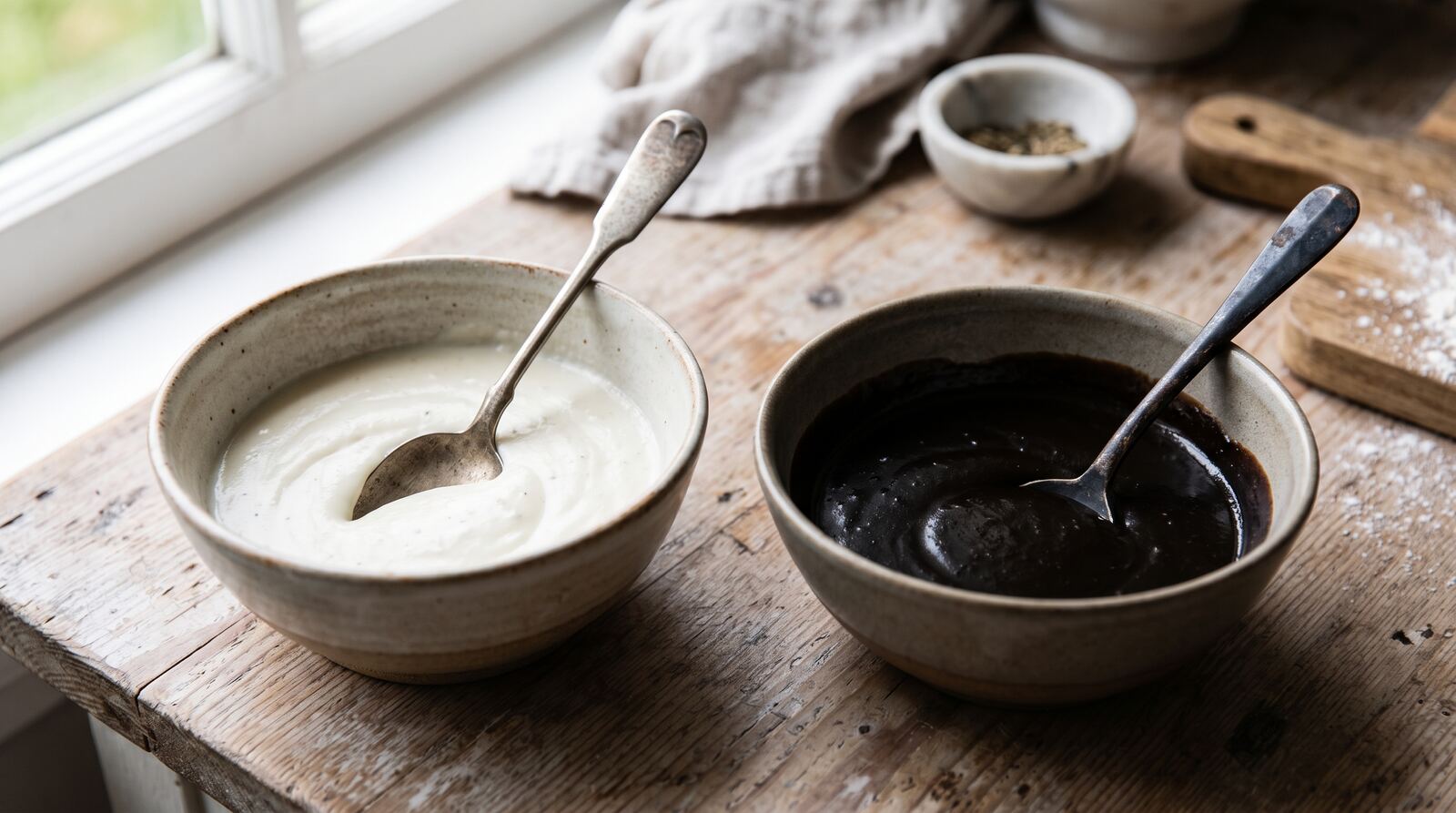
Open a record you own and choose “Duplicate.” A record you own is created and opens for editing. You can duplicate ingredients, intermediate recipes, final recipes, consumables, techniques and kitchenware. Béchamel can become the starting point for a squid-ink variant with revised quantities and instructions.
The recipe composition is copied, but referenced ingredients, techniques and other records remain references. This is not a deep copy of all dependencies. Photos, stock and history are not copied. Each new own recipe uses your allowance: up to 250 intermediate and final recipes combined in Mise Essential; unlimited in Mise Pro and Mise Pro HACCP.
Share recipes and control financial details
Owners and administrators can share recipes. With Mise Pro and Mise Pro HACCP, a manager with Kitchen access can also create a public link. Without Finance, the URL is created and stays without financial details; gaining Finance later does not convert that link.
The link is public to anyone who has it, so do not present it as a private invitation. Review options before copying and revoke it when no longer needed. For your regular team, the URL + PIN portal offers recipe viewing without prices or using a management seat.

Built-in recipes as a starting point
The current catalog includes 214 intermediate preparations and 68 final recipes, plus more than 1,200 ingredients. October additions brought 90 recipes, mainly Spanish and US bases and sauces, while 38 compositions were rebuilt. This is the built-in catalog available today.
Browse the Miselup Recipe Library and choose “Incorporate into my recipes” for a complete copy. Already incorporated subrecipes are reused by default, recognized by origin and never by name. Only new recipes use your allowance. Check ingredients, yield and allergens against your actual products.
English, Spanish and photos for service
The product and built-in recipes provide ES/EN content. Changing the interface language does not automatically translate free text your business writes in recipes. Prepare the names and instructions your team needs.
Add your own photo, generate one from the record or enhance an existing photo. AI images cost 100 credits per saved result and preserve the original. Use them as visual support. Validate composition and allergens from ingredients, rather than from the image.
Connect recipes to operations according to your plan
Mise Essential includes spec sheets, costing, variants, links, PDF/CSV and a viewing portal. Mise Pro adds purchasing, inventory, production, lots and P&L, plus two management users. Mise Pro HACCP adds the food-safety suite and five management users.
Recipe sheets and the HACCP manual are different documents. Signed manuals and recorded checks retain their history; editing a recipe does not rewrite it. The software organizes data and checks without independently certifying food safety.
| Need | Feature | Limit to remember |
|---|---|---|
| Create a variant | Duplicate and edit the copy | Shared references; no photos or history |
| Share instructions | Public URL or PIN portal | Without Finance, new URLs always exclude financial details |
| Prepare for service | Sheet, quantities and presentation | Check yields and allergens |
| Review profitability | Recipe costing and own prices | Costs and operations depend on plan and permissions |
Guides to keep going
Frequently asked questions
Plans, permissions and feature limits.