AI food photography for your menus and recipe sheets
A photo makes a recipe easier to explain. Miselup lets you generate an image from your record or enhance a photo you own, save it to the gallery and choose the main image. Check the dish before using the result on a menu.
- Nano Banana 2.1 · 100 credits per image
- Original preserved and AI result identified
- Ingredients, intermediate recipes, final recipes and consumables
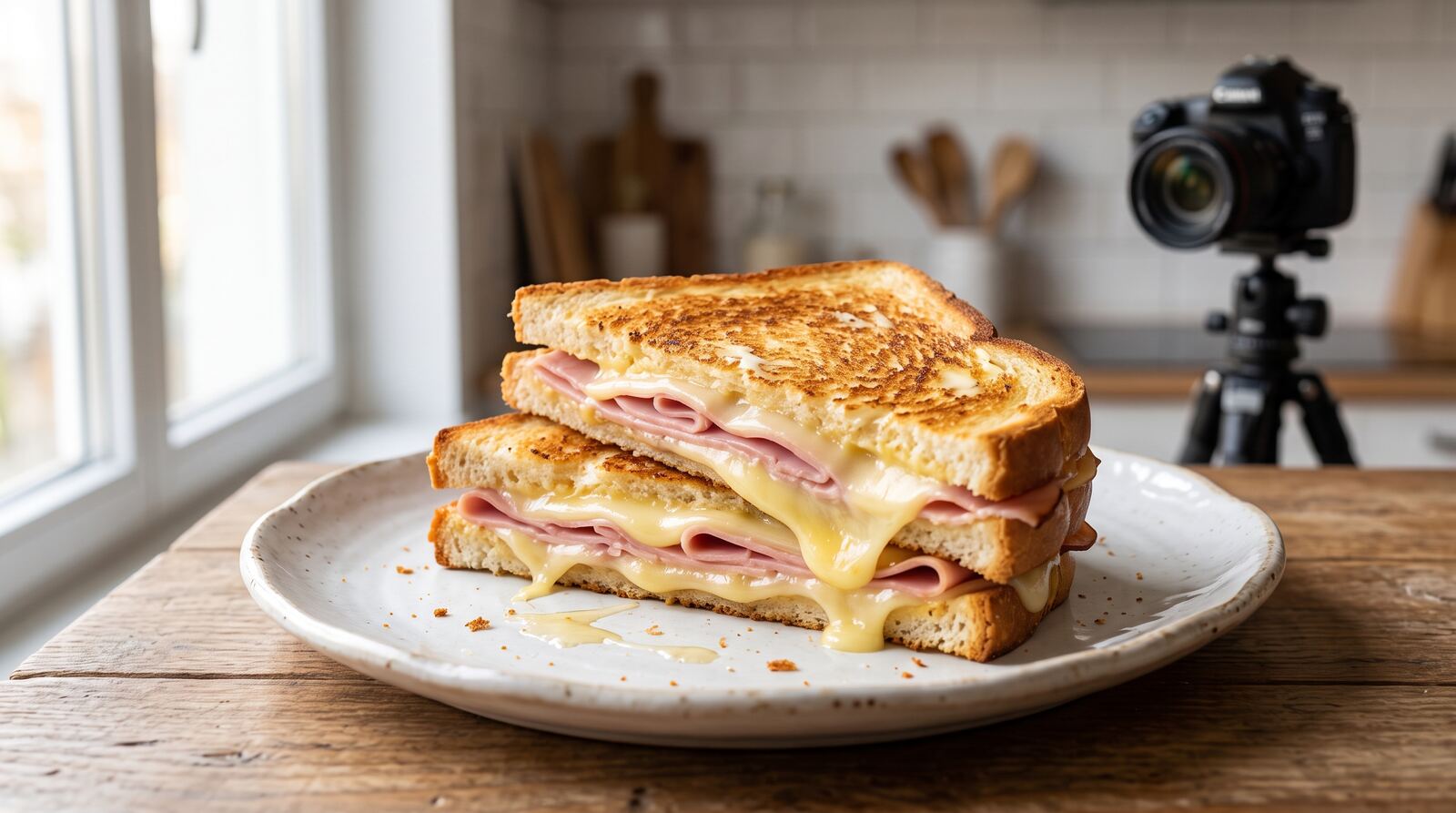
Generate when you do not have a photo yet
Open an active record you own and select “Generate with AI.” The dialog checks permissions and shows the cost and balance before confirmation. The model uses the name and descriptive record data to prepare the image; it does not need your purchase prices.
A sauce is presented as mise en place, a dish is plated, a drink uses suitable glassware, and an ingredient is shown as a product. The image is a visual interpretation: check ingredients, portion and plating against what your kitchen actually serves.
- Save the record and review its composition first.
- Confirm the 100-credit charge.
- Review the result and choose “Use as main image” or “Keep in gallery.”
Enhance your own photo and keep the original
If there is already a photo, “Enhance with AI” uses it as a reference. The request aims to improve focus, light and exposure while keeping the dish, components and tableware. The result is saved beside the original; choosing a new main image does not delete the previous photo.
Confirm that you own the image and it has no third-party marks. This declaration is not an automatic rights detector. Use your own photo or generate a new image if the reference comes from another website. Badges distinguish generated and enhanced images.
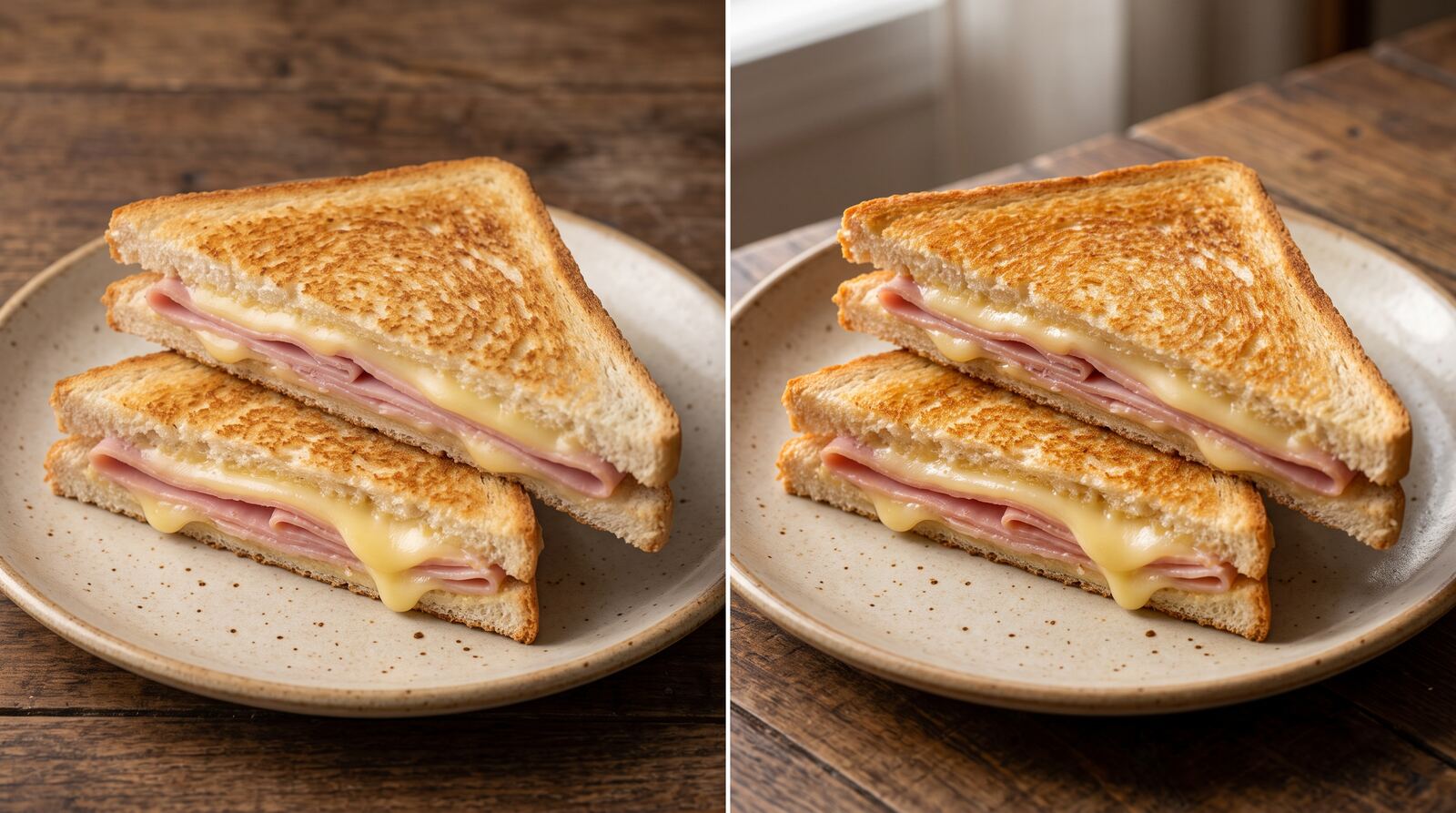
Fill missing photos in batches
From the ingredient, intermediate recipe, final recipe or consumable list, select “Generate photos for my records without images.” The budget shows the record count, required credits and available balance.
The batch excludes catalog records, archived records and any record with a main image or gallery photos. Each saved result costs 100 credits and becomes the main image while the record still has no photo. Canceling waits for the current image; closing the tab stops later requests. This is not an unattended background job.
Plans, credits and permissions
All three paid plans can use the feature with an active subscription and credit balance. Mise Essential includes 750 monthly credits, Mise Pro 2,500 and Mise Pro HACCP 5,000. Images share this balance with Mise conversations and reports; there is no separate photo allowance.
You need permission to edit the record and use the Agent area. The owner can top up from Mise; a manager needs the relevant areas. Credits are charged only after an image is generated, uploaded and saved successfully. If the result cannot be confirmed, retry the same request to recover its status.
From your gallery to recipe sheets and menus
The main photo helps the team recognize the preparation. Shared and printed recipe sheets identify AI results. For a public menu, also check that the image represents what you offer: a photo does not establish ingredients or the absence of allergens.
Organize your recipes before working on presentation. A duplicated recipe keeps its starting composition but does not copy its photos. Create an image for the variant your kitchen will actually serve.
| Action | Reference | Credits | Result |
|---|---|---|---|
| Generate | Descriptive record data | 100 per saved image | New gallery image |
| Enhance | Your own photo | 100 per saved image | Original plus a new version |
| Batch | Own records with no images | Successful images × 100 | Main image for each completed record |
Guides to keep going
Frequently asked questions
Plans, permissions and feature limits.