Mise Agent
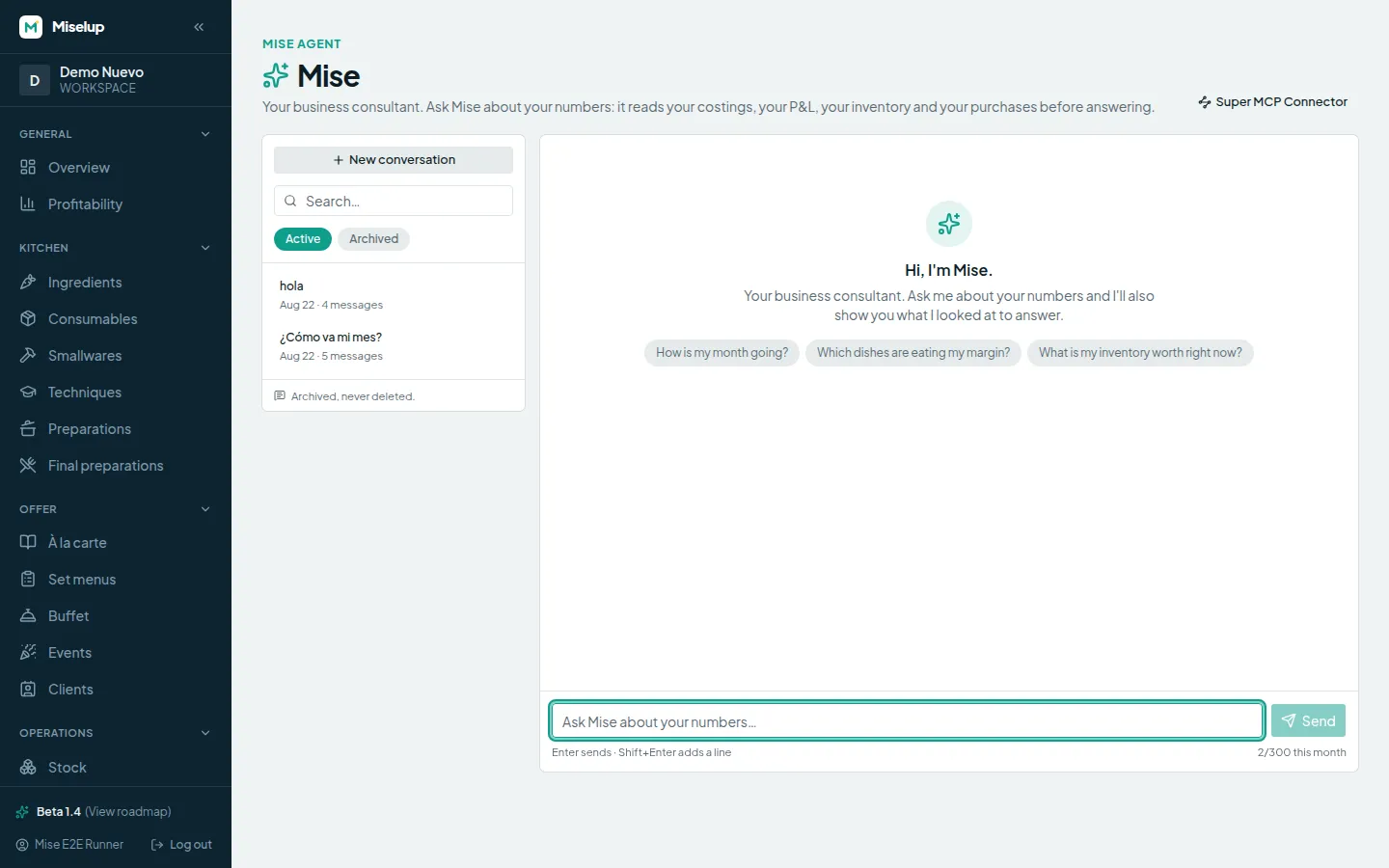
New · betaThe consultant who knows your numbers: ask, and it reads your real data before answering.
- Ask in plain language
- Figures from your data, never invented
- It tells you what it checked to answer
Three tools, one brain: your real recipes, your real costs, your real P&L.
None of them makes up a number — they all read what you already have inside.
Each tool covers one side. Together they close the loop around your data.
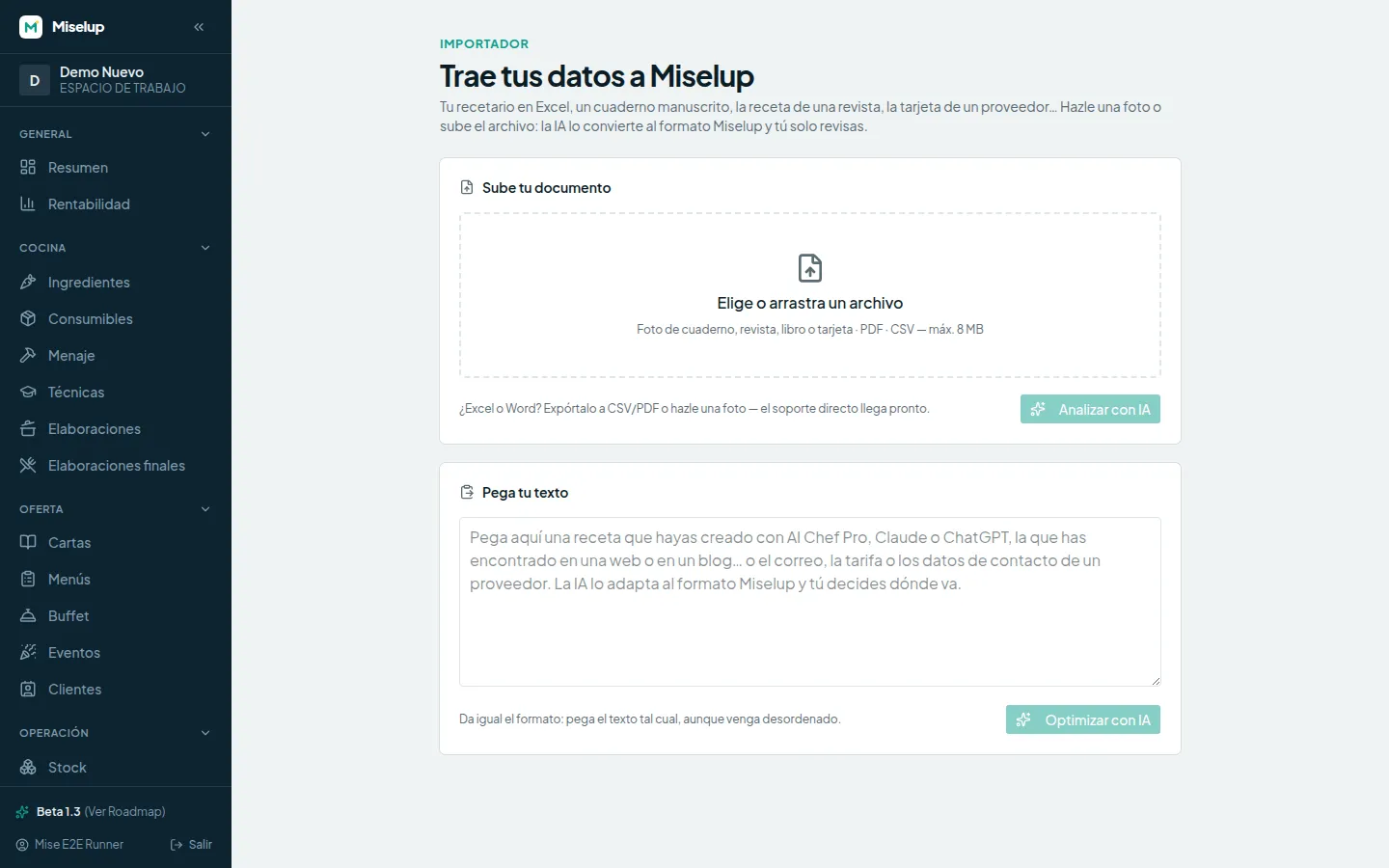
The AI Importer turns your notebook, your PDF or a pasted text into Miselup records.
The native agent reads your costing, your P&L and your inventory and answers right in the app.
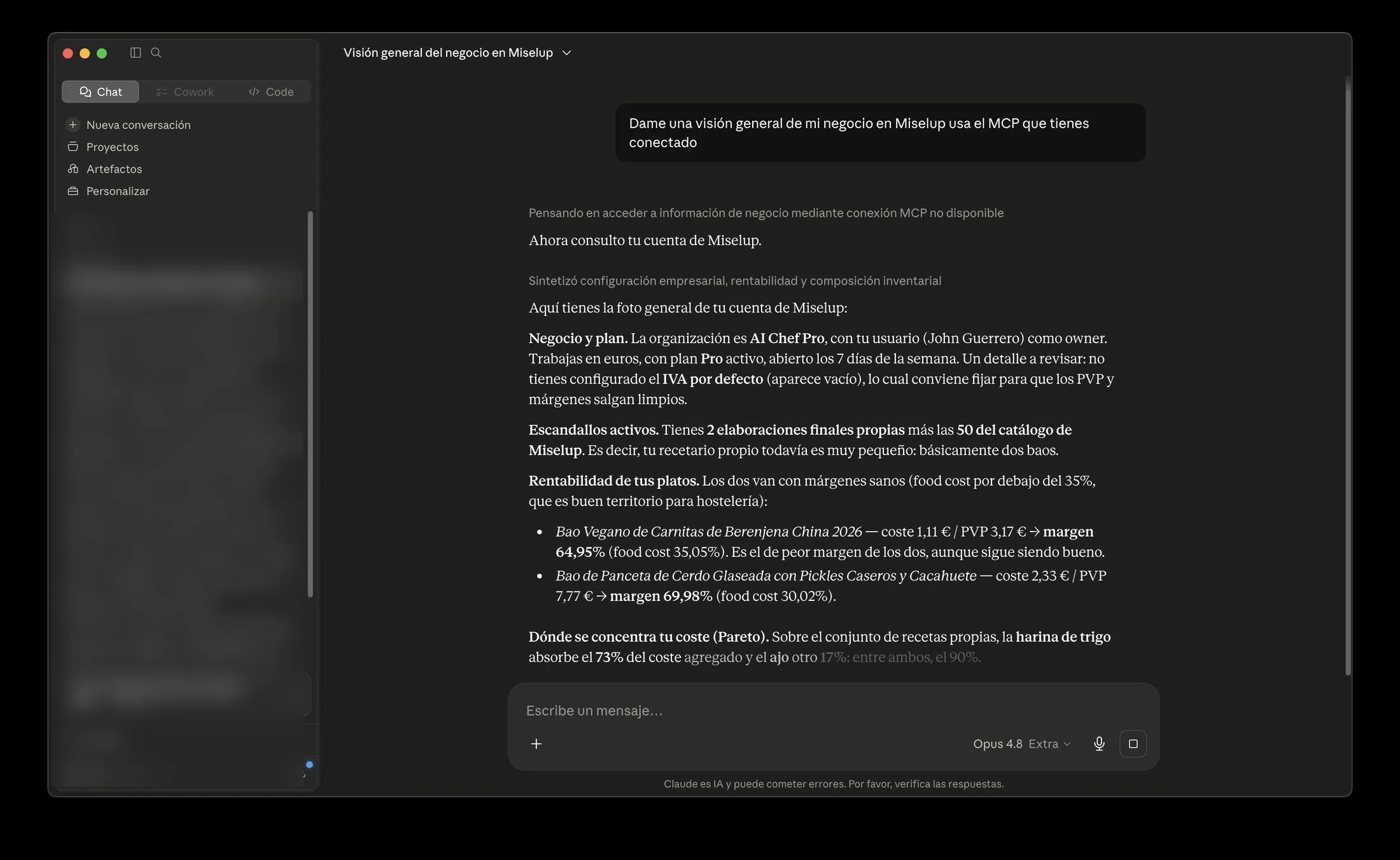
The MCP connector takes your data to Claude, ChatGPT or whichever assistant you already use.
Each one solves a different moment of the day. Use one, two, or all three.
The consultant who knows your numbers: ask, and it reads your real data before answering.
Photo, PDF, CSV or pasted text: the AI turns it into Miselup format and you just review it.
Connect your account to your everyday assistant and work with your data without opening Miselup.
Miselup doesn't generate recipes: it runs the business behind them.
Creating them is AI Chef Pro's job, our sister platform: 55+ AI tools to come up with recipes, menus and ideas.
you create: recipes, menus, ideas, proposals for your seasonal menu.
you turn them into business: import them, cost them, and see what they leave you.
They're two sister platforms, not the same one. The AI Importer is the bridge between them.
Miselup AI
Create your account, bring your recipes in with the Importer and ask Mise how the month is going.
Find professional bases in Miselup Library, incorporate your own copies and adapt ingredients. Connect your spec sheets with business management.
See how it works →Generate or enhance food photos with our image engine. 100 credits per image, originals preserved and batches for records without photos.
See how it works →The foundations of business management: spec sheets, costings, variants, sharing links and AI images. Purchasing, stock and P&L depend on your plan.
See how it works →