Duplicate records and create variants without changing the source
Duplicate ingredients, intermediate and final recipes, consumables, techniques and kitchenware. Copies keep references, but not photos or history.
Updated on October 8, 2026
Which records can I duplicate?
Ingredients, intermediate recipes, final recipes, consumables, techniques and kitchenware. You need editing access for the record type and a subscription that allows dashboard work. The team PIN portal views recipes; it does not offer Duplicate.
An intermediate or final copy counts as an own recipe. Mise Essential allows up to 250 combined; Mise Pro and Mise Pro HACCP have no own-recipe limit. Viewing a built-in recipe does not use the allowance; duplicating it does.
How do I create a variant step by step?
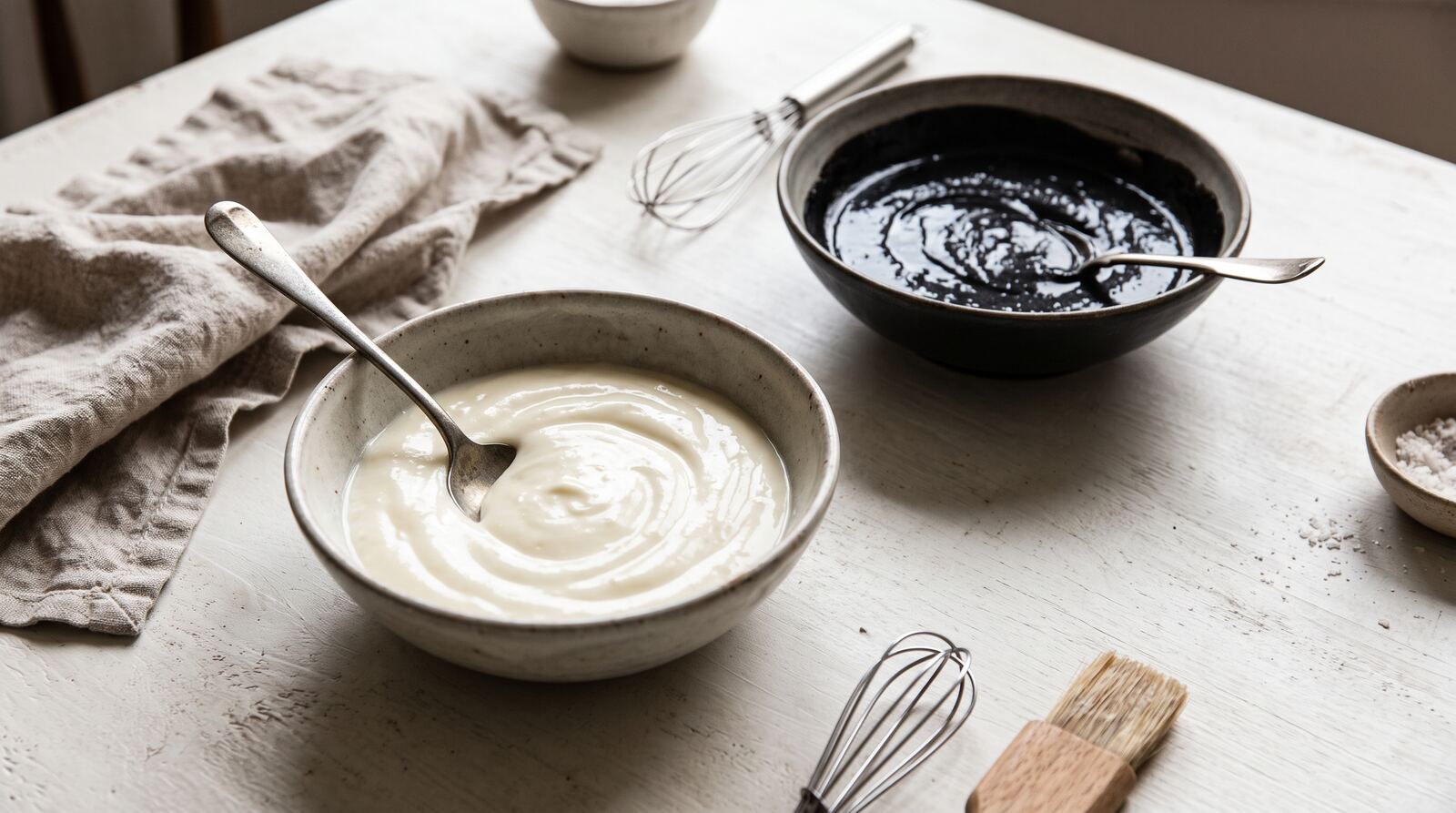
- Open the record from its list, such as a demo béchamel.
- Select “Duplicate” in its actions. On mobile, open the header’s action menu.
- Wait for the copy’s editing screen and review its proposed name.
- Give the variant a clear name. Change composition, quantities and instructions to match what you will prepare.
- Check yield, cost and allergens before saving. For a squid-ink variant, check the actual product’s ingredient sheet.
- Return to the source and check that its data is unchanged.
SCREENSHOT PENDING EN · DUP01: Duplicate action in a demo record header, desktop and mobile.
What does the copy keep or exclude?
| Element | Behavior |
|---|---|
| Data and composition | Copied as the starting point for the new record |
| Referenced ingredients and other records | Stay as references; dependencies are not all duplicated |
| Photos and galleries | Not copied; image objects are not shared |
| Stock and movements | Not copied |
| Operational history and HACCP records | Not copied or rewritten |
| Built-in recipe | Becomes an own copy subject to your allowance |
Duplicating does not isolate every subrecipe. Editing a shared referenced record may affect other recipes that use it. For a variant, change the copy’s composition and review which dependencies to keep.
SCREENSHOT PENDING EN · DUP02: edited copy, distinct name and composition lines. Compare with the source without exposing identifiers.
How do I add a photo and share the variant?
Add your own photo or use AI images on the saved copy. The photo should represent the variant. Use Share recipes to send instructions. A Kitchen manager without Finance creates a URL without financial details.
Why can I not duplicate a record?
Read the message: editing access may be missing, the allowance may be full or the source may be inaccessible. If the first attempt was not confirmed, retry the pending action; do not repeat an already completed duplication to check it. See plans for limits and management seats.
Was this article helpful?
Thanks! This helps us improve the help center.
Related articles
-
Share recipes by URL and control financial details
Create and revoke public recipe URLs. Kitchen managers can share; without Finance, the link is created and stays without financial details.
-
Generate, enhance and batch-fill photos with AI
Generate or enhance photos, select the main image and fill photo-free records in batches. 100 credits per saved result; originals preserved.
-
Intermediate preparations: sauces, stocks and doughs
Cost your sauce or your stock once and use it inside your dishes: the cost per yield unit is inherited automatically.
Can't find what you're looking for?
Write to us and a real person from the team replies — no bots in the way when you need to talk.
Contact the team