Waste rates: from gross weight to net weight
Define the peel, the bones or the trim on each ingredient and your costing charges what you actually buy, not what you plate.
Updated on September 3, 2026
What is a waste rate in Miselup?
A waste rate is the part of the ingredient you buy but that never reaches the plate: the potato peel, the bones and head of the fish, the trim off the tenderloin, the thaw loss on a prawn. In Miselup a waste rate is a detail on the ingredient’s page —a name and a percentage— that you then pick line by line inside each recipe.
The consequence is money: if you don’t declare waste rates, Miselup costs the quantity you type in the recipe and your costing falls short, because you paid for the whole potato.
How do I define an ingredient’s waste rates?
On the ingredient’s page (Kitchen → Ingredients) you have the «Trim & yield» section. When it’s empty it says so outright: «No trim defined. Add “Peeling 15%”, “Bones 25%”… and you’ll be able to apply them in recipes.»
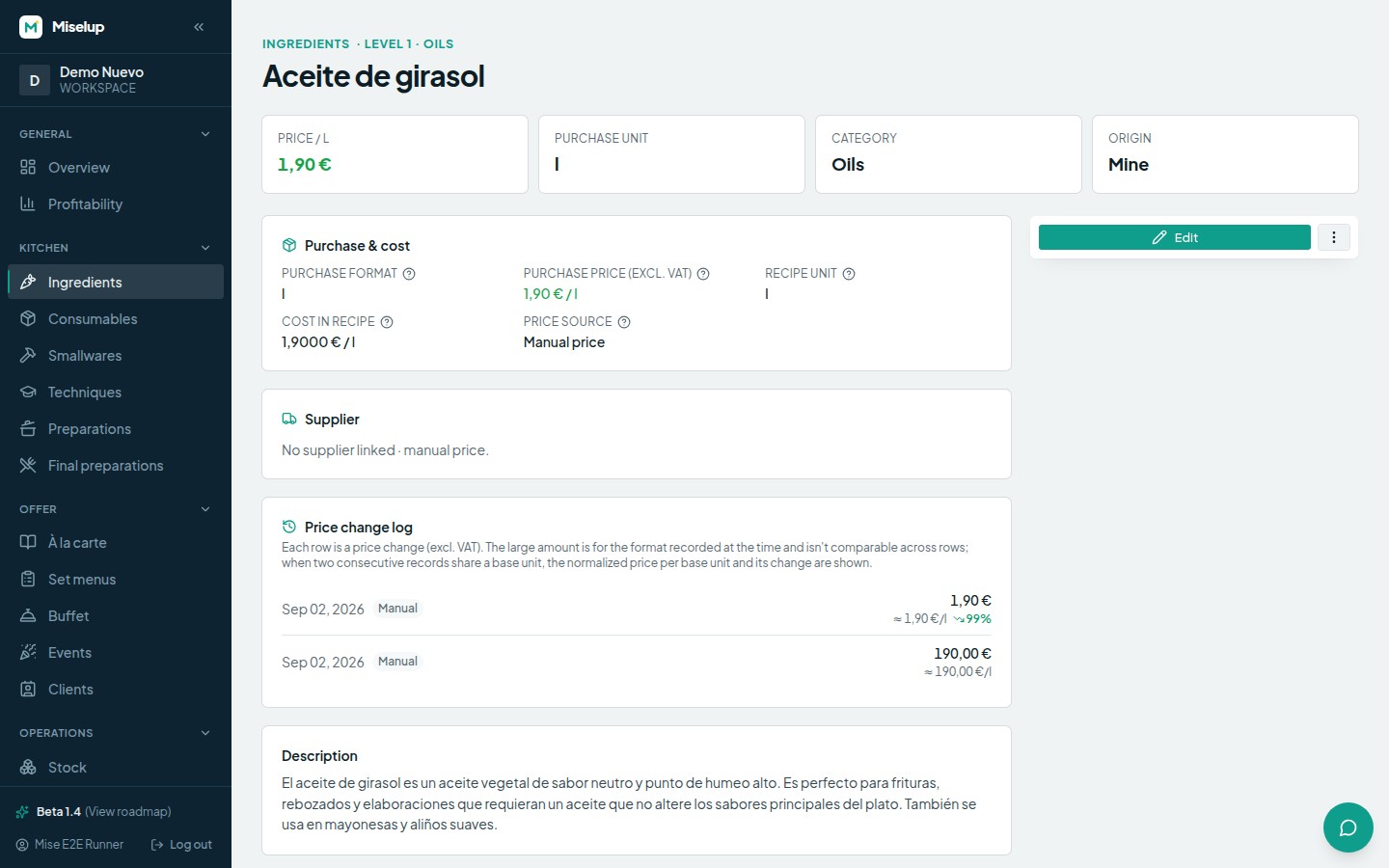
- Open the ingredient and scroll down to «Trim & yield».
- Press «Add trim».
- Type the name in the «Name (Peeling…)» field — use your own kitchen’s language: Peeling, Bones, Trim, Thaw loss.
- Type the percentage that gets lost.
- Repeat for each way you break down that same ingredient, and save.
One ingredient can have several waste rates at once, because the same product is cleaned differently depending on the dish: a hake can have “Bones 25%” and “Cleaned portion 40%”.
How do I apply a waste rate inside a recipe?
Every costing line has its own «Waste» selector. There you pick one of the rates defined on that ingredient, or leave it on «No waste». If the ingredient doesn’t have any yet, Miselup warns you in the selector itself: «This ingredient has no waste rates defined — add them by editing it in Ingredients».
The quantity you type on the line is always the net amount, what you want left after cleaning. Miselup works out the gross and shows it next to the line with the «gross» prefix; in the costing table you see it in the «Net» and «Gross (waste)» columns.
How does the cost change when I apply a waste rate?
The formula is: gross = net ÷ (1 − waste ÷ 100), and the line’s cost is calculated on the gross amount.
Here’s an example with potato and a 15% peeling waste:
- You need 200 g net on the plate.
- Gross = 200 ÷ (1 − 0.15) = 235.3 g.
- That line’s cost goes up 17.6% compared with costing 200 g of peeled potato.
That 17.6% is exactly the money that was leaking out of your costing. That’s why waste rates change your food cost and your margin: the ingredient costs the same per kilo, but each dish eats more kilos than it plates.
What happens if I remove a waste rate that’s already used in recipes?
When you save, Miselup warns you with «Heads-up: … those recipe lines are left with no trim». Nothing breaks, but those lines switch to being costed at net weight and their cost drops artificially. If you retire a waste rate, go back over the recipes that used it and assign them another one.
Known limits
- The percentage applied when costing goes from 0% to 99% at most: a 100% waste rate would leave no product to cost.
- Waste rates are defined per ingredient, not per intermediate preparation. For the loss a sauce or a stock takes while cooking you use the preparation’s yield, not a waste rate — that’s covered in /en/help/intermediate-preparations/.
- If an ingredient has no waste rates defined, its page says so plainly («No trim defined. Cost is calculated on gross weight.») and recipes cost it at whatever quantity you type, with no correction.
Was this article helpful?
Thanks! This helps us improve the help center.
Related articles
-
Creating an ingredient and setting its price
Add an ingredient, tell Miselup how you buy it (in bulk or by container) and it works out the cost per recipe unit.
-
Food cost and margin: the exact formulas
Where the cost per serving, the food cost %, the margin and the suggested price come from, and what each color is telling you.
-
Intermediate preparations: sauces, stocks and doughs
Cost your sauce or your stock once and use it inside your final preparations: the cost per yield unit is inherited automatically.
Can't find what you're looking for?
Write to us and a real person from the team replies — no bots in the way when you need to talk.
Contact the team