Miselup Recipe Library
Search 282 recipes, incorporate your own copy, reuse subrecipes and replace ingredients. Only new recipes use your allowance.
Updated on October 9, 2026
Where is the Library and what does it include?
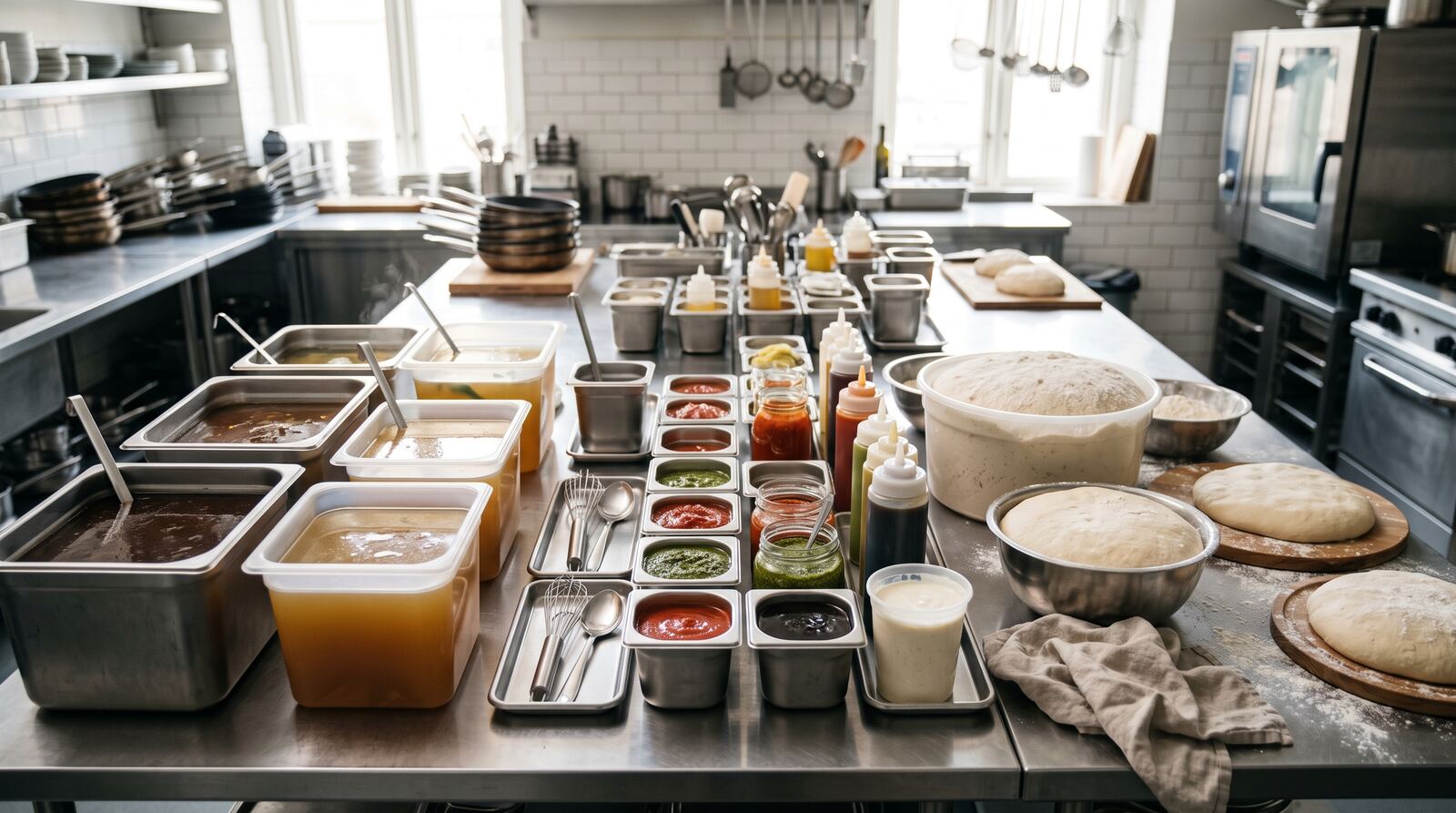
Open Kitchen → Miselup Library. It includes 282 built-in recipes: 214 intermediate preparations and 68 final recipes, in ES/EN, all with photos and descriptions. The Library is separate from your own recipe book: browsing a recipe does not add it to your lists.
Included in every paid plan, with an active subscription. Browsing and incorporation require management access with Kitchen write permission. The PIN team portal views authorized working recipes; incorporation happens in management.
How do I search and filter recipes?
- Type a recipe name, sauce or idea in the search box. Results filter as you type.
- Choose intermediate or final recipes and combine category, cuisine and status filters: not incorporated or already in your recipes.
- Allergen filters let you choose, for example, “Without gluten”. This excludes recipes with that declared allergen; it does not guarantee absence or prevent cross-contamination.
- If no results appear, remove a filter or choose “Clear filters”.
- Open “View recipe” to review photos, yield, times, ingredients, steps, kitchenware and techniques before deciding.
How do I incorporate a recipe into my recipe book?
- From the sheet, choose “Incorporate into my recipes”.
- Review the summary: chosen recipe, required subrecipes, ingredients, allergens and how many own recipes will be created.
- Choose which subrecipes to reuse or copy and which ingredients to replace.
- If you change your selection or the summary warns of changes, choose “Refresh summary” and review it again.
- Confirm incorporation. A complete copy of your own is created with ES/EN content and photos, together with missing subrecipes. Open your copy to adapt yield, quantities and instructions.
If the set exceeds your allowance or its full composition cannot be read, it is not partially incorporated. If an error leaves the result unconfirmed, retry the same selection following the screen’s message.
Are previously incorporated subrecipes reused?
Yes, by default. Miselup recognizes your copy by its Library origin, never its name. Renaming a sauce does not prevent recognition; another recipe with the same name is not enough to select it.
Each subrecipe offers three choices:
- “Reuse my copy”: uses the previously incorporated copy with its current composition, ingredients and own subrecipes. Creates no additional recipe and uses no allowance again.
- “Copy the Library version”: creates a new copy of that publication. The new recipe counts toward your allowance.
- “Use another recipe of mine”: search for an active own intermediate preparation. Its yield unit must be compatible with the quantity and unit required by the parent recipe.
The summary warns if you edited your copy or it comes from an earlier version with a different composition. If it is archived or deleted, a new copy is prepared. Review final recipes that already use a base before editing it: a reused base can feed several dishes.
How do I replace built-in ingredients with my own?
During incorporation review, choose “Replace with my ingredient” next to an ingredient and search your ingredients. Keep the source ingredient where appropriate. Similar names do not guarantee equivalent products.
Check units, waste rates, prices and allergens. Replacement removes the source waste rate: review your own ingredient’s rate. Incompatible units are rejected. The summary shows the resulting allergens and costs are recalculated from your selected ingredients. Review reference amounts before selling.
A reused subrecipe of your own keeps its current composition. To change its ingredients, edit that own sheet or choose to copy the Library version and review substitutions for the new copy.

How much recipe allowance does incorporation use?
Browsing uses no allowance. Incorporation counts only new own recipes, including the root and any new subrecipes. Reused recipes do not count again.
Mise Essential allows up to 250 own recipes, intermediate and final combined. Mise Pro and Mise Pro HACCP have no own-recipe limit. The summary shows how many will be created and the remaining allowance. For example, if a dish is new but its sauce was already incorporated and is reused, that sauce uses no additional allowance. See plans and limits.
What happens to recipes I already used from the catalog?
Previously used built-in recipes remain visible as “In use from the catalog”, preserving existing uses. The Library stays separate from your own recipes. A new Library version does not overwrite your copy.
To create a variant of an own recipe, use Duplicate. To bring in a built-in recipe with its subrecipes, use Incorporate. Review your products, yield and allergens before service: origin does not certify HACCP and does not rewrite the book or signed manual.
See Miselup Recipe Library or create an account to choose a plan.
Was this article helpful?
Thanks! This helps us improve the help center.
Related articles
-
Intermediate preparations: sauces, stocks and doughs
Cost your sauce or your stock once and use it inside your final preparations: the cost per yield unit is inherited automatically.
-
The spec sheet: photo, steps, smallwares and techniques
Turn the costing into the sheet your kitchen actually uses: main image, videos, method, plating, smallwares and techniques.
-
Duplicate records and create variants without changing the source
Duplicate ingredients, intermediate and final recipes, consumables, techniques and kitchenware. Copies keep references, but not photos or history.
-
Miselup's plans and how to switch between them
Mise Essential, Mise Pro and Mise Pro HACCP: what each one unlocks, how you pick a plan when you sign in, and how to upgrade, downgrade or cancel from Billing.
Can't find what you're looking for?
Write to us and a real person from the team replies — no bots in the way when you need to talk.
Contact the team