HACCP Temperature Log: Reference Ranges, the Log Sheet and the 5 Audit Mistakes
Reference temperature table, log sheet building, 5 audit mistakes, digital records, and FAQ. Perfect for HACCP temperature monitoring.

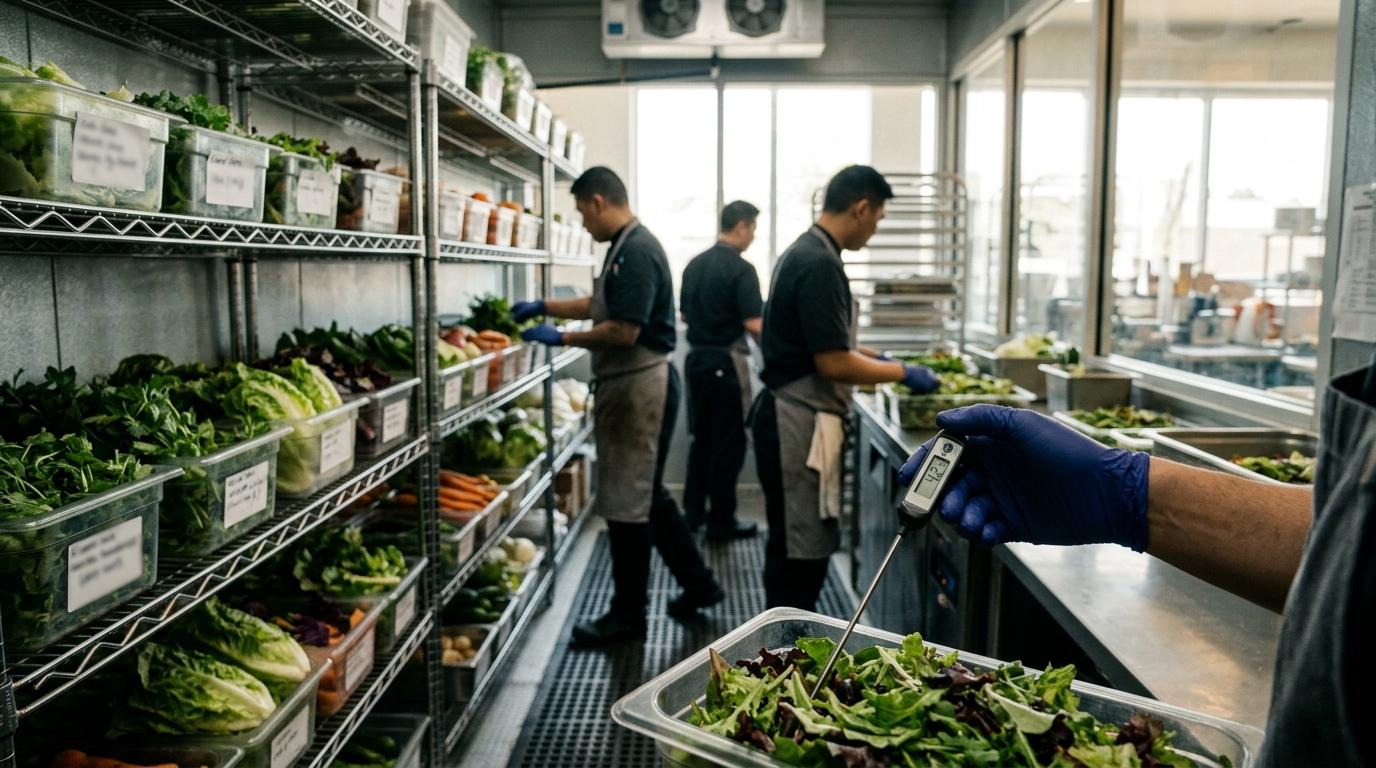
I’ve been walking into other people’s kitchens for over fifteen years, and there’s one scene that repeats with almost comical regularity: I open the door of a walk-in cooler and find a notebook hanging from a sticky hook, its pages slightly wavy from the humidity. I pick it up, leaf through it in front of the team, and see a Sunday at eleven o’clock at night, a temperature written in suspiciously round handwriting and a value nailed at 4.2 °C. No one has set foot in the place that day, but the temperature control log is immaculate. It’s the classic “filled in from the desk” report that any health inspector recognizes instantly and that, far from protecting the business, leaves it more exposed than a sea bass on a scaling table. Because the HACCP temperature log is not a formality to keep the health department happy: it’s the thermometer of your kitchen’s food safety.
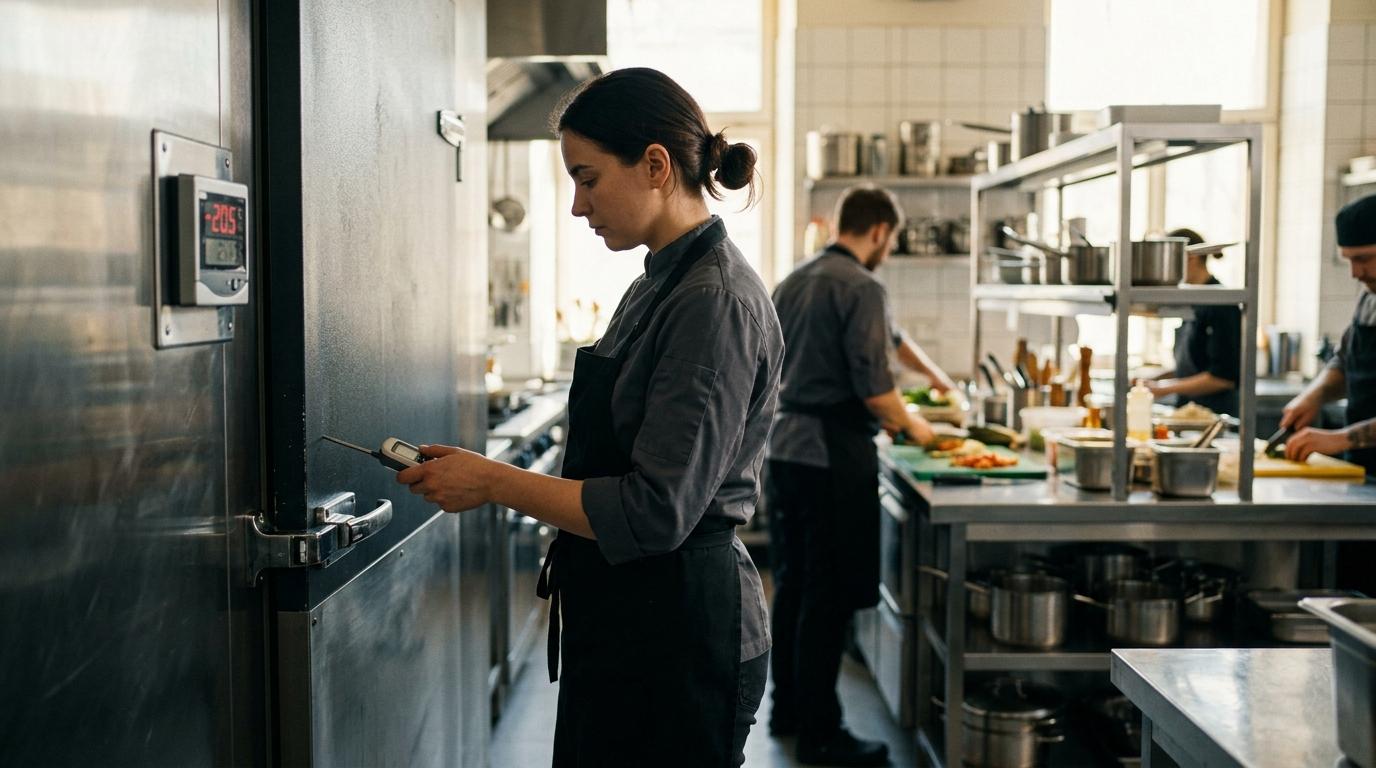
Why the Temperature Log Is the Heart of HACCP
When I train teams in workshops, central kitchens, or restaurant chains, I often repeat a phrase: “Tell me how you handle temperature control, and I’ll tell you how healthy your kitchen is.” The HACCP system rests on several pillars, but the temperature log beats the strongest because it runs through absolutely every phase of the process: receiving goods, cold storage, thawing, cooking, hot holding, rapid cooling, regeneration, and service. It’s the backbone that proves, with objective data, that you haven’t broken the cold chain or left food playing in the danger zone.
During a health inspection, the agent won’t start by reviewing your cleaning plan. They’ll go straight to the temperature logs: those for the coolers, the blast chillers, the hot carts for the buffet. They know that if those papers are alive—that is, filled in in real time, with some out-of-range reading accompanied by a corrective action—there’s a team that understands what’s at stake. If what they find is a pristine notebook with values that are always perfect, suspicion is served, and the audit will become much more thorough.
Temperature control in hospitality doesn’t just monitor cold. It also records whether a stew held hot for hours meets the declared hot-holding criterion, that a roasted chicken that was at 70 °C core temperature yesterday hasn’t stayed at 55 °C during reheating today, or that the milk just received from the supplier came in at 3 °C and not 9 °C. Each entry is a link in the thermal traceability chain, and when one is missing, the system limps.
Reference Temperatures in Hospitality
These tables are illustrative references and working examples, not a complete copy of Miselup’s applied catalog or universal limits. Cooler air temperature and food core temperature are different checks. Define criteria for the food, process and jurisdiction of your plan.
For Spain, the product catalog includes Royal Decree 1086/2020, article 30, as amended by Royal Decree 1021/2022, for prepared meals. Everywhere else —including other EU countries— Miselup uses Codex Alimentarius and operator-declared criteria; it does not certify local legal compliance. The Spanish figures below are not applied automatically to those plans.
| Zone / Process | Reference and scope | Illustrative frequency, to be set in the plan |
|---|---|---|
| Refrigeration equipment | Equipment range suited to the stored foods; air readings do not replace core measurements | Opening and closing as a scheduling example |
| Refrigerated prepared meals (Spain) | Core ≤4 °C with shelf life over 24 h; ≤8 °C with shelf life under 24 h. At exactly 24 h, the product applies ≤4 °C | According to the configured control and activity |
| Frozen prepared meals (Spain) | Core ≤−18 °C; this is not anisakis treatment | According to the plan |
| Hot-held prepared meals (Spain) | Core ≥63 °C | Every 2 h during service as an example, not a universal requirement |
| Reheating prepared meals (Spain) | Core ≥74 °C for ≥15 s, within ≤1 h of removal from refrigeration | Each cycle, with removal and finish recorded |
| Chilling hot prepared meals (Spain) | Core from 60 °C to 10 °C in <2 h, then reach the applicable storage temperature | Start and finish of each process |
Storage criteria come from article 30.2–4; chilling from article 30.6; reheating from article 30.7. A stricter internal margin can be part of the plan but must be identified as the establishment’s criterion. Miselup does not yet support equivalent reheating time/temperature combinations: the available workflow uses ≥74 °C/≥15 s/≤1 h.
AI Chef Pro · AI for chefs55+ AI tools for your kitchen55+ AI tools to create recipes and menus and optimize your costs.Take a look →How to Set Up the Temperature Control Log
Setting up a temperature control log that truly works isn’t about copying a template from the internet and laminating it. It’s about designing a document that matches the real rhythm of the kitchen and invites being filled in at the exact moment, not at four in the afternoon while a coffee cools down.
The columns that cannot be missing are these:
- Date and time: without this data, the reading is worthless. Better if filled in right when the measurement is taken.
- Equipment or zone: cooler 1, cooler 2, blast chiller, hot cart, dessert display case… Identify each control point without ambiguity.
- Temperature reading: the numerical value shown by the thermometer (or the equipment display, if verified).
- Responsible person: name or initials of the person taking the measurement. Mise Essential for traceability and so no one shirks responsibility.
- Corrective action: if the reading is out of range, this is where you note what was done (lower the equipment temperature, move the product, call the technician, discard the goods…).
The measurement frequency depends on the type of equipment and the volume of work, but as a minimum, I advise two daily records for refrigeration coolers (one at the start of the shift and one at closing) and one daily record for freezers. During service, hot holding equipment should be measured every two hours, and reheating processes, in each cycle.
The log should be hung in a visible and accessible place, usually on the cooler door or a nearby wall, protected with a plastic sleeve so it doesn’t deteriorate. And the signature, although it may seem like a minor detail, closes the circle of responsibility: whoever measures, signs. Without a signature, the record is incomplete in the face of an inspection.
To show you how this translates into daily practice, here’s a mini-table with a realistic example from a morning shift:
| Date and time | Equipment / Zone | Reading | Responsible person | Corrective action |
|---|---|---|---|---|
| 14/04/2025 08:15 | Refrigeration cooler 1 | 3.8 °C | María | — |
| 14/04/2025 08:20 | Pastry freezer | −20.1 °C | Carlos | — |
| 14/04/2025 11:45 | Sauce hot cart | 62.3 °C | María | Adjust cart temperature to 70 °C. Re-measure in 15 min. |
| 14/04/2025 13:10 | Blast chiller (cream cooling) | 4.2 °C after cycle | Carlos | — |
As you can see, the log isn’t a perfect incident report: there’s an out-of-range reading, a corrective action, and a new check. That’s exactly what an inspector wants to find: a living system, not a calligraphy notebook.
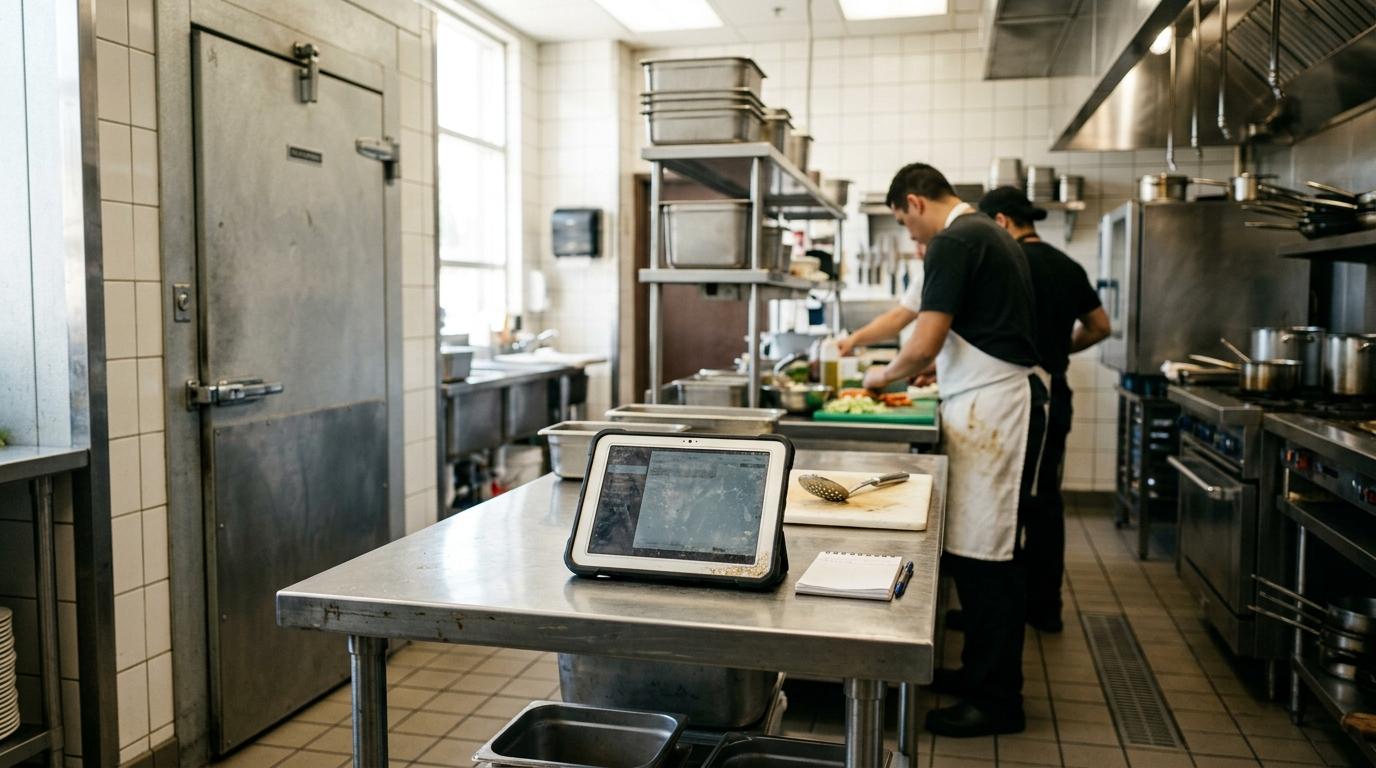
The 5 Mistakes I See During Audits
After hundreds of visits to kitchens of all sizes, I’ve identified five failures that repeat like a catchy chorus. These are mistakes that, with a bit of method, can be corrected in a week.
1. Filling in batches at the end of the shift. This is the original sin of temperature control in hospitality. The cook or station head grabs the log at five in the afternoon and, from memory or by looking at the display at that moment, fills in all the boxes at once. Besides falsifying traceability, you lose the chance to detect a temperature spike at noon that could have ruined half the service.
2. Not noting the corrective action. I see many logs where, next to a reading of 12 °C in a cooler that should be at 4 °C, there isn’t a single note. Was anything done? Was maintenance called? Was the product thrown away? Without a corrective action, the record doesn’t serve to prove that you acted diligently.
3. Uncalibrated or unverified thermometer. A kitchen thermometer that has been in the drawer for months without anyone checking its accuracy is Russian roulette. Simply submerge it in ice water to verify it reads 0 °C. If it deviates, you need to calibrate it or replace it. I’ve seen differences of more than 5 °C between the handheld thermometer and the cooler display, and no one knew which one was lying.
4. Ignoring the cooler door that doesn’t close. This is more about observation than logging, but it appears when you cross-reference data. A cooler that reads 7 °C in the early morning, right after closing, could be revealing a door that doesn’t seal well or a worn gasket. If the log shows strange fluctuations at times when no one opens the cooler, it’s time to check the seal.
5. Only logging coolers and forgetting goods receiving and service. Many businesses focus on the temperature of the walk-in coolers and forget that control starts at the loading dock. Measuring the temperature of raw materials upon receipt and noting it is as important as monitoring cold during storage. And during service, bain-maries, display cases, and transport carts also need their own log.
The Leap to a Digital Temperature Log
I’ll be honest: for years I defended the laminated paper log as the most practical solution for small businesses. And I still think so for those just starting out. It’s cheap, doesn’t need plugs, and forces you to have your feet inside the cooler. But the digital leap isn’t a fad: it’s the answer to several of the mistakes I just described.
A digital HACCP temperature log keeps the reading, dates and the identity of the person recording it. Miselup displays deviations and requires corrective action where applicable. Email alerts are processed periodically, with a history and retries; Mise Pro also receives temperature deviation alerts. They are not instant, and provider acceptance does not prove inbox delivery.
Miselup’s HACCP software brings together the manual, controls and the period’s book. Mise Pro includes temperature logging and reports; the suite comes with Mise Pro HACCP. Follow the HACCP setup guide to configure equipment, criteria and responsible people. Read more about HACCP for catering and allergen control.
With Mise Pro HACCP, the team portal shows open receiving and lot-storage obligations for authorised controls. Select the matching obligation when recording a measurement; only the final act covers it. Transport has loading and unloading acts, and retention samples have origin and destination acts, with both available in the dashboard and portal. Miselup does not measure for you: automatic detection is limited to food purchase-order receipts and storage per produced food lot; services, dispatches and thermal operations require activity declarations.
To place these observations within the food’s full route, use the HACCP plan for restaurants, covering batch preparation and kitchen handovers, or the HACCP plan for food trucks, covering the prep base, travel and window service. This guide focuses on temperature logging; the business pages organise the wider plan and daily checklist.
The HACCP plan for bars connects displays with ice and glassware; the pizza-restaurant plan separates dough fermentation, the topping line and baking; and the burger-restaurant plan covers supported minced-meat cooking and clean assembly. These examples place observations in their food routes while this guide develops the recording method.
The bakery HACCP plan follows filling and display, while the ice cream shop plan follows mixes and tubs. The sushi plan separates fish evidence from the rice procedure, and the school-kitchen plan adds distribution, applicable samples and site handover. Those pages organise each operation; this guide develops measurement and recording methods.
Timlup · Team on trackDaily checklists & tasks for your restoKeep your team on point with recurring tasks. Meet Timlup and simplify operations.Meet Timlup →Frequently Asked Questions
What temperature should a refrigeration cooler be at?
It depends on the foods and the equipment criterion. Cooler air temperature is not the same as food core temperature. Review the limits for each product family and the range declared in the plan; a 0 to 4 °C interval does not suit every food.
How often should temperatures be recorded?
Your plan sets the frequency according to the food, processes and activity. Cooler opening and closing checks or two-hourly service checks are examples, not universal legal minimums. Record each reheating cycle with the information required by its procedure.
Is written temperature recording mandatory?
Yes. The HACCP system requires documentary evidence of the controls carried out. It can be on paper or in digital format, but the records must be available to the health authority. It’s not enough to “look at the display”; you must note the reading, the time, and the responsible person, and keep those records for the time specified in your plan.
What to do if equipment goes out of range?
Record the actual reading and corrective action. Check the door seal, incoming products and possible breakdowns. Protect the food by moving it to suitable equipment where appropriate, and have the responsible person assess its fate using the food, time and temperatures observed. Do not rely on a generic number of hours alone.
Is a digital log valid during an inspection?
Digital records help you present the history; they do not prove that the whole HACCP system is complete. Miselup keeps each record’s author, dates and criterion, and its report also shows missing checks and voided entries. Review the documentation required for your activity and any read warnings before printing.
How to calibrate or verify a kitchen thermometer?
Follow the manufacturer’s procedure and tolerances and those in your plan. An ice-water mixture can provide a reference close to 0 °C for a check, without the probe touching the container walls. If the reading falls outside the declared tolerance, document the review and calibrate or replace the instrument as appropriate. Define the frequency in the procedure.